

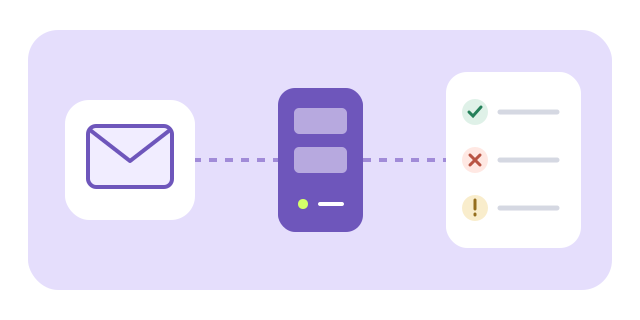
Combined validation · Results for each field

Validate multiple fields. Decide using each result.

Send the available email, phone number and IP in one request. Get a separate result for each field and use it in your forms or CRM. A positive result in one field does not confirm the others.

Combined checks: credits depend on requested services · Optional mobile network lookup
THREE FIELDS. THREE SEPARATE CHECKS.

What you can check with ByeBouncer

Choose the field you need to review. Get clear information to prepare your email campaigns, calls and signups.

An email address passes through format, domain and mail server response checks.

Email verification

Check the format, the domain’s mail servers and the mailbox response when the server allows it.

What you send
One email address or a list of emails.
What you get
  • Addresses accepted or rejected by the server
  • Disposable email domains and common typos
  • Undetermined results with an explanation

No emails sent. Server acceptance does not guarantee that a message will arrive or be read.

See how it works: Email verification
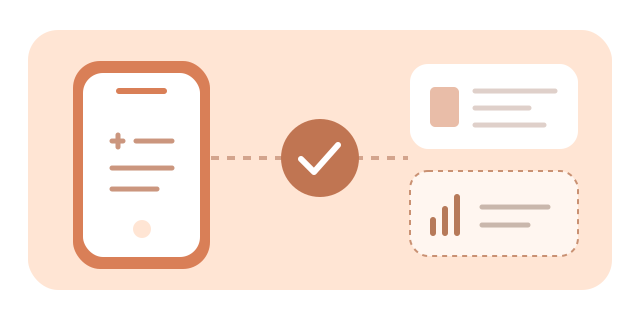
A phone number is organized into international format, carrier and an optional mobile lookup.

Phone number validation

Check international format, line type and carrier. Add a mobile network lookup only when you need it.

What you send
A phone number and its country when needed.
What you get
  • A consistent phone number format for your systems
  • Carrier and line type when information is available
  • Mobile network status through a separate optional lookup

No calls or messages sent. A valid format and carrier do not prove someone will answer.

See how it works: Phone number validation
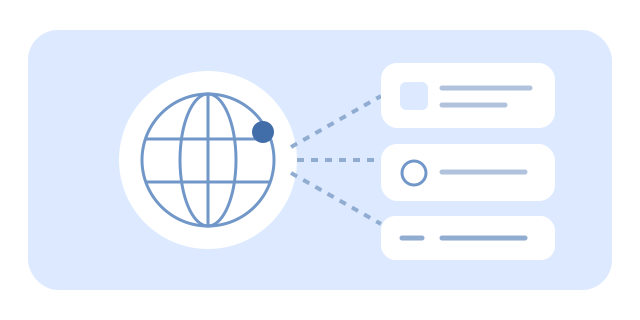
An IP address connects to network information, approximate location and catalog checks.

IP address lookup

Learn about the connection’s network and matches in available reputation sources and catalogs.

What you send
An IP address available to your form or system.
What you get
  • The network and provider associated with the address
  • Network country or approximate location, depending on the source
  • Tor and other catalog matches with their coverage

An IP adds connection context. It does not identify the person or prove fraud.

See how it works: IP address lookup
What you get

What we check and what you get.

Check your data

Find formatting issues and check email deliverability.

Look up each field

Get phone details and IP network information.

Understand the limits

Distinguish a negative finding from a check that could not be completed.

Apply your criteria

You decide whether to use, correct or review the information.

How it works

From a contact detail to an informed decision.

01

Submit the fields to check

Request email, phone, IP or several fields through the API.

02

Receive independent results

Each field shows the checks, findings and what remains undetermined.

03

Decide how to use the information

Apply your criteria; we do not make an acceptance decision about the contact.

For your technical team

Connect verification to your forms and systems.

cURL
# Illustrative data. Run on your server; keep the API key private.
curl -X POST "https://api.byebouncer.com/api/v1/lead/verify?result_format=validation-v1" \
  -H "Authorization: Bearer $BYEBOUNCER_API_KEY" \
  -H "Content-Type: application/json" \
  -d '{"email":"person@example.com","phone":"+12025550123","phone_mode":"local","ip":"192.0.2.1","live":false}'
Node / TypeScript
// Illustrative data. Run on your server; keep the API key private.
const response = await fetch('https://api.byebouncer.com/api/v1/lead/verify?result_format=validation-v1', {
  method: 'POST',
  headers: {
    Authorization: `Bearer ${process.env.BYEBOUNCER_API_KEY}`,
    'Content-Type': 'application/json',
  },
  body: JSON.stringify({"email":"person@example.com","phone":"+12025550123","phone_mode":"local","ip":"192.0.2.1","live":false}),
});
if (!response.ok) throw new Error(`HTTP ${response.status}`);
const result = await response.json();
console.log(result.results);
FAQ

Frequent questions.

Missing something? Write to us.

What does ByeBouncer validate?+

We check email, phone and IP with independent results. You can check one field, several fields, or lists of one data type, depending on the service.

Does a favorable result confirm identity?+

No. Validation describes the checked data; it does not establish identity, ownership or commercial intent.

What does an undetermined result mean?+

There was not enough evidence to conclude. This can result from catch-all domains, no response or an unavailable lookup. It does not automatically mean the data is invalid.

Do you check whether a phone is connected?+

Carrier lookup does not establish connectivity. You can separately request mobile network status when available; it has an additional cost and shows when it was observed.

Can I integrate validation with my systems?+

Yes, through the API. See the documentation for the fields, states, limits and credits for each service.

Try it with 500 free credits.

No credit card. Try it with your own contact data.